
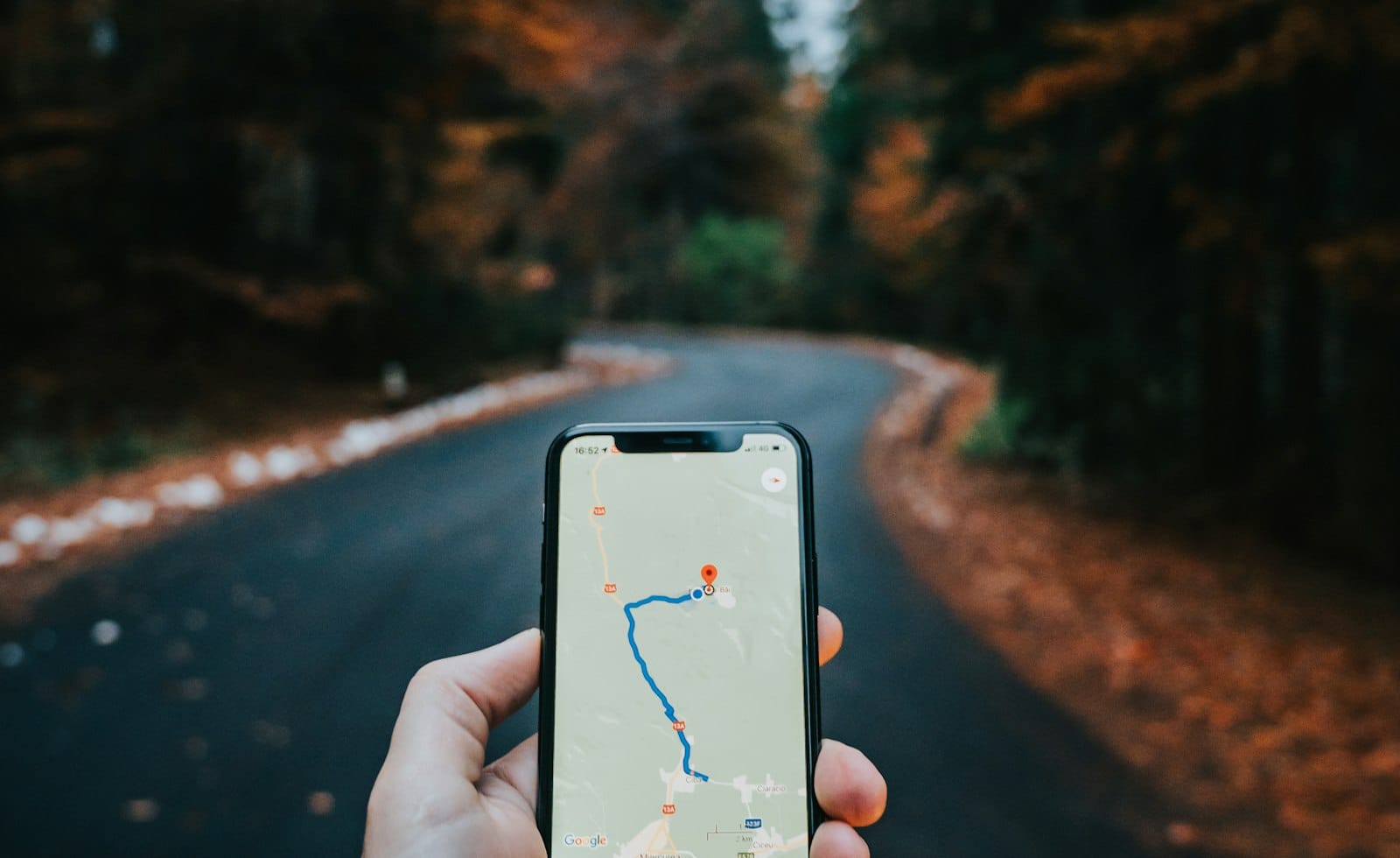
The simplest way to use offline maps for travel is to download your destination area on Wi-Fi before you leave, then check that it opens in airplane mode. That one habit keeps your route, your hotel and your sightseeing list on screen when the signal drops, the roaming is switched off or the battery is running low.
Below is a calm, step-by-step approach that works for a weekend city break or a longer trip, whichever phone you carry.
Why offline maps for travel are worth five minutes
Mobile data abroad can be patchy, slow or switched off on purpose. Old city centres with thick walls, underground stations, mountain roads and rural lanes all have dead spots. A downloaded map does not care about any of that, because the map tiles already live on your phone.
There is a second benefit: you stop staring at a loading circle on a busy pavement. Once the map is saved, you can plan, search saved places and follow a route calmly.
Download the right area before you leave
Google Maps lets you save a region while you are online. According to its own offline maps help page, you search for a place, open its sheet, choose the option to download an offline map and confirm, or you can pick your own area from the Offline maps menu in your profile and adjust the box before downloading.
Whichever app you use, a few rules make the download more useful:
- Cover the whole trip, not just the centre. Stretch the box to include the airport, the station and any day-trip villages.
- Download over home or hotel Wi-Fi, because map files can be large.
- Save more than one area if you are visiting several cities, and name them clearly.
- Check that you have enough free storage first, and clear out old files if you do not.
If your phone is already crowded, our guide to clearing phone storage that is full shows where the space usually goes.
Know what works offline and what does not
This is where many travellers get caught out. The Google help page explains that offline navigation works only when the entire route stays inside the area you downloaded. It also says that transit, cycling and walking directions are not available offline, and that driving offline shows no traffic information or alternative routes.
In practice, that means an offline map is a reliable picture of where you are and a dependable guide for driving, but it will not tell you when the next tram leaves. For public transport, screenshot the timetable or route you need and save the operator’s printable map as a backup.
Keep your maps fresh with updates
Downloaded maps expire, so do not leave them untouched for months. The same help page says Google Maps tries to refresh a map automatically on Wi-Fi when it is close to expiring, and you can turn on automatic updates in the offline map settings.
Before a trip, open the Offline maps list a few days ahead, look at the expiry information and update anything that is close to running out. Doing it at home is far easier than doing it at the airport gate.
Try an alternative map app as a backup
It never hurts to have a second option. The OpenStreetMap community keeps a page on using OpenStreetMap offline that lists several phone apps built on open map data, such as OsmAnd, Organic Maps and CoMaps, some of which also support offline routing. Availability and features differ by phone and country, so install and test your backup well before you travel.
One backup is plenty. Two map apps with different data give you a second opinion when a street name looks odd, without turning your phone into a cluttered mess.
Test everything in airplane mode
The most important step is also the quickest. The evening before you fly, switch on airplane mode and open the map. Search for your hotel, zoom to the airport and look at a few streets. If a search fails or the map looks blank, you still have time to fix it.
While you are testing, save your key places with stars or pins: the accommodation, the station, a few cafes you like, the meeting point for a tour. Saved places are easy to find when your signal is gone.
Save battery and add a paper fallback
Navigation drains a phone faster than almost anything else, so lower the screen brightness, close apps you are not using and carry a small power bank. If you are still deciding what to put in your bag, the simple carry-on packing method leaves room for a charger and cable.
A folded paper map or a note with your hotel address written in the local language costs almost nothing and still works after the battery dies. If the holiday season is a busy one for you, our plan to rescue your year-end goals can also help you carve out time to prepare.
Frequently asked questions
Do offline maps use GPS?
Yes. Your phone can usually still work out where you are using its location hardware, even without mobile data, and show that spot on the downloaded map. Check the app’s help page if your phone is older.
How big should the downloaded area be?
Big enough to cover everywhere you realistically plan to go, including the airport and day trips, but not so big that it fills your storage. Two or three smaller areas often work better than one huge one.
Will offline maps work in every country?
Not always. Google notes that offline downloads are not available in some countries or regions, so check your destination before you rely on it and have a backup app ready.
Your next step
Pick your destination tonight, download the area on Wi-Fi, switch on airplane mode and make sure it opens. Five minutes now means a smoother arrival, whatever the signal does.